Method CRM API, built to connect everything
Connect your CRM and QuickBooks data with the apps and AI tools your business already uses, like Claude and ChatGPT.
- Free 10-day trial
- No credit card required
- No-contract trial
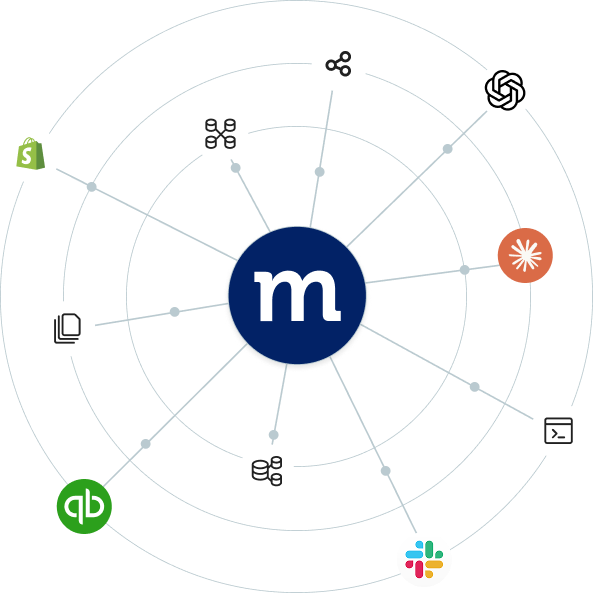
YOUR DATA IN ACTION
Put Method’s data to work, anywhere

- Send Method information to reporting dashboards and external business systems.
- Build AI workflows around permitted Method records and custom fields.
- Connect e-commerce platforms or internal tools to customer and order data.
YOUR TOOLS, YOUR WAY
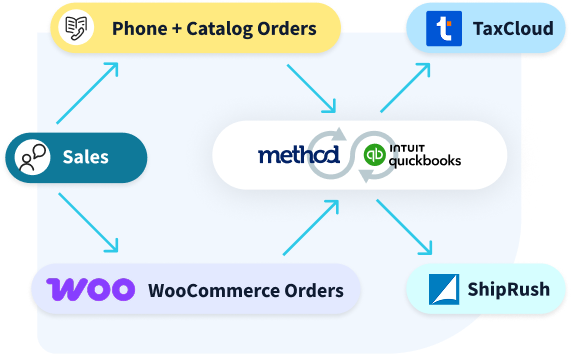
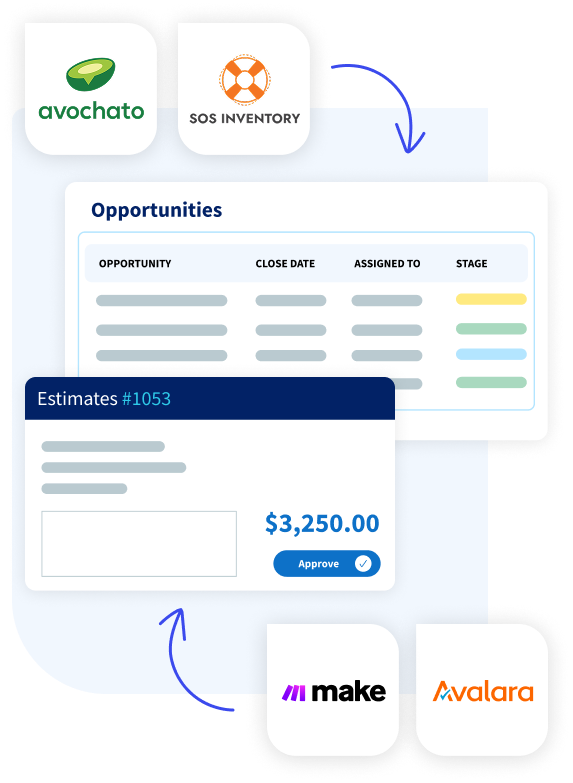
Bring your existing tools into Method cleanly
- UPS
- ShipStation
- Dispatch and delivery systems
- SOS Inventory
- Warehouse and production systems
- Supplier portals
- Tableau
- Google Sheets
- Internal reporting tools
- Authorize.net
- Avalara
- Currency and rate services
- Website and web-to-lead forms
- Partner and distributor lead systems
- Gmail
- Zapier
- Energy Force
- Geocodio
- Dispatch and delivery systems
- Proprietary internal software
AI INTEGRATIONS
Get more from Method with AI
Connect AI engines like Claude, ChatGPT, or Gemini to Method CRM and turn your business data into actionable answers and workflows.
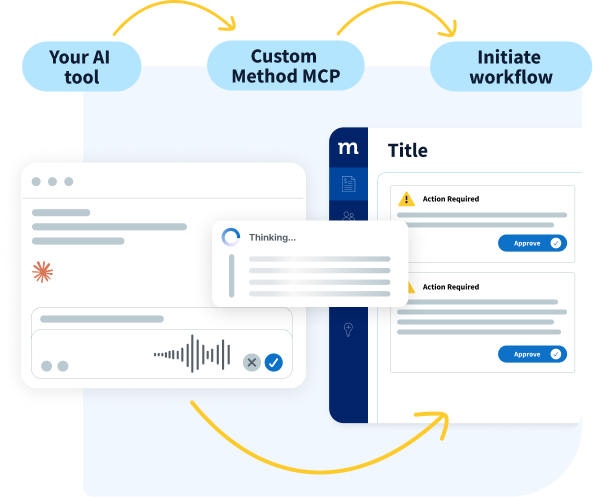
Get a custom-built MCP
Work with the Method team to build a custom MCP for your business, configured around the specific workflows, records, fields, and actions you want AI tools to access.
Connect to AI tools yourself using Method’s API
Use Method’s API and documentation to connect the AI tool to your Method data. Summarize records, surface what needs attention, and complete approved CRM tasks.
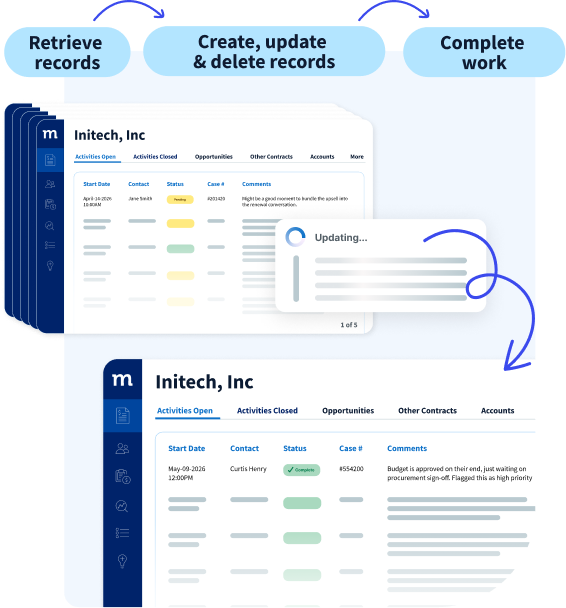
Important: Method’s API can create, update, and delete records. Configure the connection to retrieve data only and test your workflows before allowing an AI tool to make changes.
API FUNCTIONALITY
All the API capabilities you need
- View, add, edit, or delete permitted records
- Organize the results you get when retrieving information
- Use files that are attached to Method records
- Create or edit transactions that may be synced with QuickBooks or Xero
- Control data access through secure API authentication
WORK WITH A CRM CUSTOMIZATION CONSULTANT
Get support from people who know Method
Method’s team can help you customize your integration, map the account correctly, and protect live data, so you can avoid configuration mistakes and get from setup to launch faster.
Charvi
4,900+ hours of customization
Workflow expertise in:
Packaging & Distribution, Medical Equipment, Appliances, Telecommunication
“It’s so rewarding to create meaningful customizations that simplify workflows & solve real problems. It makes Method feel uniquely built for each business.”
- Charvi has been nothing short of exceptional to work with. She is responsive, creative and deals with challenges in a highly professional way. She has gone above and beyond for our company so many times and really added a ton of value. I am so glad she is our account solution specialist.
- Charvi is the absolute best. She has worked hard to connect Method to our Fishbowl Inventory. Great extended member of our team.
- Charvi was so on top of it! They were professional, understood our needs, direct about what needed to be done and after figuring out our problem lightning fast!


Ryan
5,600 hours of customization
Industry workflow expertise in:
Equipment Maintenance, Construction, Wholesale & Distribution
“I enjoy taking scattered workflows and shaping them into something clear, efficient, and genuinely useful for the people using them.”
- Ryan is outstanding. He has helped our business thrive in countless ways. Thank you so much for everything.
- Exceptional. Ryan totally did it for me, with me learning while watching. He quickly picked up on my questions, and how I prefer to do things.
- Great, rapid understanding of my requirements, incredibly knowledgeable about Method and VERY fast!


Eric
4,900+ hours of customization
Workflow expertise in:
Packaging & Distribution, Medical Equipment, Appliances, Telecommunication
“We can do almost everything in Method when we work together, except mow your lawn… actually we might be able to do that too.”
- Eric has been amazing and has gone above and beyond to make sure we are happy.
- Eric is very engaging and works hard to meet our needs. It’s amazing what he has come up with to meet our needs.
- Eric was extremely knowledgeable. He understood our needs and current situation immediately and was able to diagnose several minor issues within minutes. I was very impressed!


Plan for your API usage
- 100 API requests per minute per Method CRM account
- Up to 50 related records updated per single request
- 5,000 daily API requests + 1,000 for each active license (max 75,000)
Need more? Add licenses or contact Method support to discuss options for higher-volume use.
METHOD API RESOURCES
Build with Method’s REST API
Review authentication methods, available endpoints, data structures, usage limits, and implementation guidance.
FAQs
Yes. Method’s API lets authorized third-party applications access your permitted Method records, including data synced from QuickBooks Online or QuickBooks Desktop. Depending on the permissions granted, the application may be able to view, create, edit, or delete that data.
Yes. Claude can connect to Method CRM through Method’s API. You’ll need a Method API key, Method’s API documentation, and a Claude environment with code execution and network access enabled. Claude can then retrieve Method data and, depending on the workflow, create, update, or delete records. Before giving Claude or another LLM direct access to Method’s API, understand that its permissions may allow the tool to change data in your Method account, not just view it.
No. You don’t need an in-house developer to use Method’s API, but someone should carefully test the connection before it accesses live data. Method does not provide an API sandbox, and deleted data cannot be recovered.
Method publishes its complete API specification and a 30-rule review guide that you can provide to Claude, ChatGPT, or another LLM to help build and validate an integration. If you need a securely configured MCP server, connect with Method’s team to get one built and tailored to your needs.
The API can extend a customized Method account by connecting its data with external systems and purpose-built tools. It can create, retrieve, update, and delete records, but it does not replace Method’s native tools for customizing screens and workflows. For the best results, build the connection around your account’s existing tables, fields, and processes.
Method provides REST API documentation with authentication guidance and implementation examples. Developers can also use the OpenAPI specification or Method’s Postman resources for testing. For account-specific help, customers can contact Method Support or work with Method experts. The r/MethodCRM Reddit community provides another place to ask questions and learn from other users.
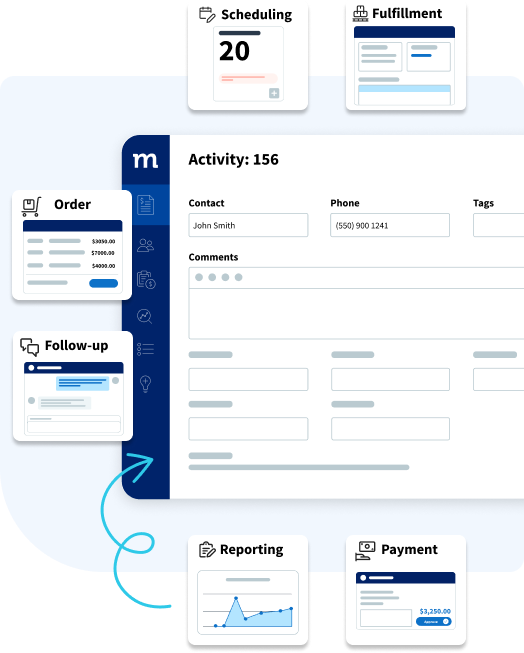
Your Method account can be connected with applications that exchange data via a REST API. Examples of such applications include e-commerce platforms, reporting software, scheduling software, and internal systems. The compatibility of each application’s API and the way the connection is set up will determine whether they can integrate with Method.
Those who want more control over how Claude interacts with Method can connect with Method’s team to get a custom MCP built. This can be configured around specific workflows, the records and fields a business wants Claude to access, and the actions Claude is allowed to take.
Today, the API is available at no additional cost to Method customers and trial users. A Method account is required, and connected applications, middleware, or custom development may have separate costs.
Not necessarily. Method’s API provides access to the QuickBooks data synced with your Method account. This lets you build workflows around CRM and QuickBooks-connected data through one Method connection, without separately registering an app and configuring permissions through the QuickBooks API.
Build safeguards into every Method CRM API connection by designing it around your specific account structure and workflow. Protect API keys, confirm that data maps to the correct tables and fields, and limit each connected tool to only the actions it needs to perform. Before going live, test requests in a controlled environment and require confirmation for sensitive actions, such as deleting records or changing financial information. You should also log API activity, surface errors, and monitor API limits on usage so problems can be identified quickly.
Ready to connect more of your business?
Explore the Method API or talk to a Method expert about your custom integration, workflow automation, or AI tools.