
Finally, a QuickBooks CRM that syncs
Get the best QuickBooks CRM with Method’s powerful workflow automation and instant, two-way integration.
Start your free trial today, no credit card required

Recommended by Intuit and trusted by thousands


4.7/5


4.3/5


4.1/5


4.4/5
























What makes our QuickBooks CRM unique?
When it comes to CRM and QuickBooks integration, we did it first — and we still do it better than other CRMs.


What our customers say
Why Method is the best CRM for QuickBooks.
“We use QuickBooks Enterprise and had a terrible time finding a sync that would be instantaneous. Method has streamlined just about every process in our business, from writing orders to sending POs and many other functions.”

“With Method CRM, my sales process is hyper-efficient. My customers have all the info they need to make a decision quickly, to the point that I now close 95% of my sales.”

“I am very impressed and pleased with Method. Since Method synchronizes with QuickBooks, all of my contacts and transaction data are accessible, which gives me the power to custom-build anything I need.”

“Because of the Method relationship and that direct sync to QuickBooks, we’ve been able to automate the whole billing process. That was a game-changer.”

Extend the limits of Quickbooks with Method
Start your free trial — no credit card, no contract.
How will a QuickBooks integration with CRM help my business grow?
Method’s easy integration with QuickBooks simplifies your operations and helps you grow sales.
Lead Management
Easily manage your leads
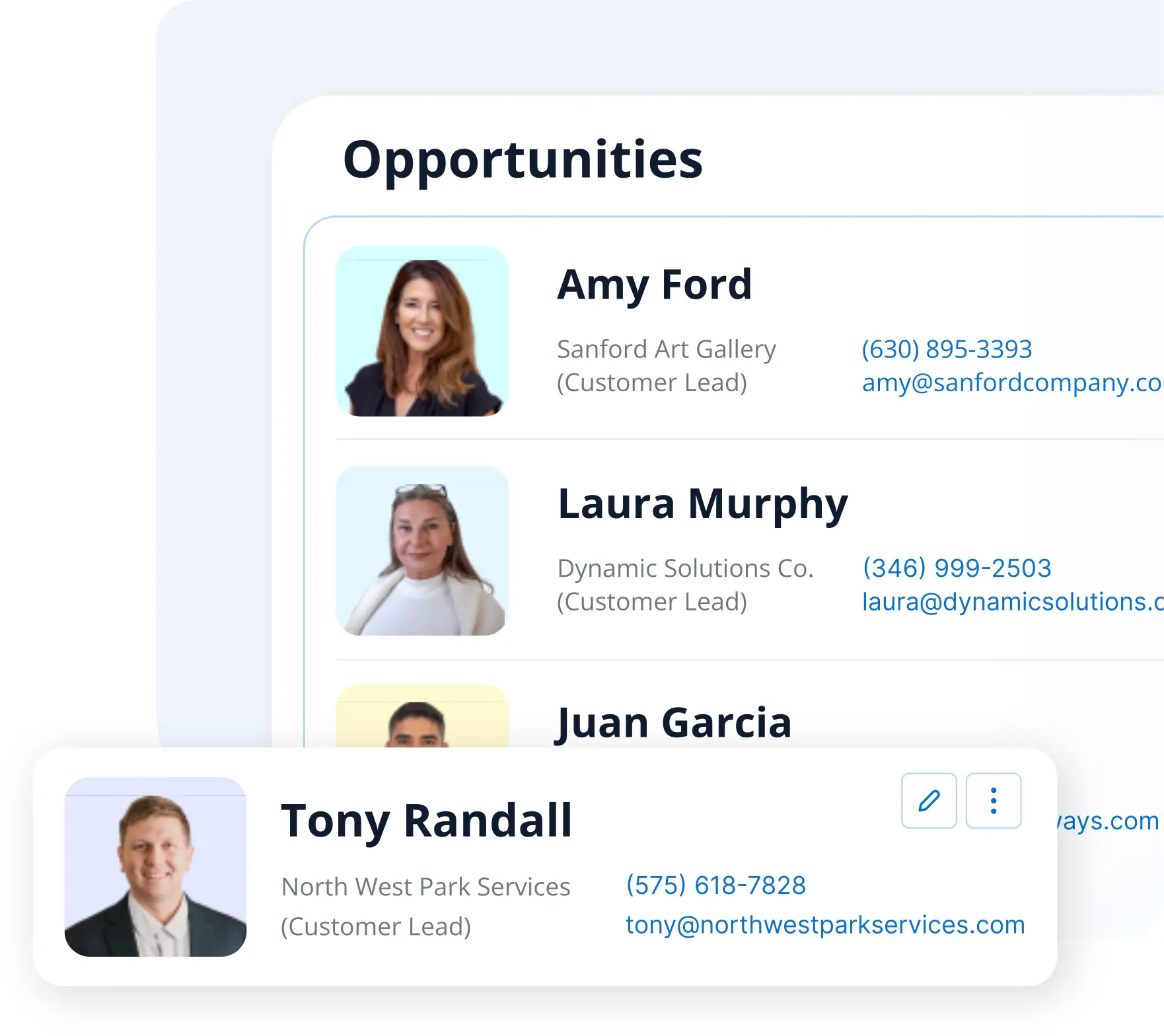
QuickBooks isn’t designed to manage potential sales, but Method CRM is. Track every opportunity, create estimates, and convert leads to QuickBooks customers in one click.
customer management
Know every customer
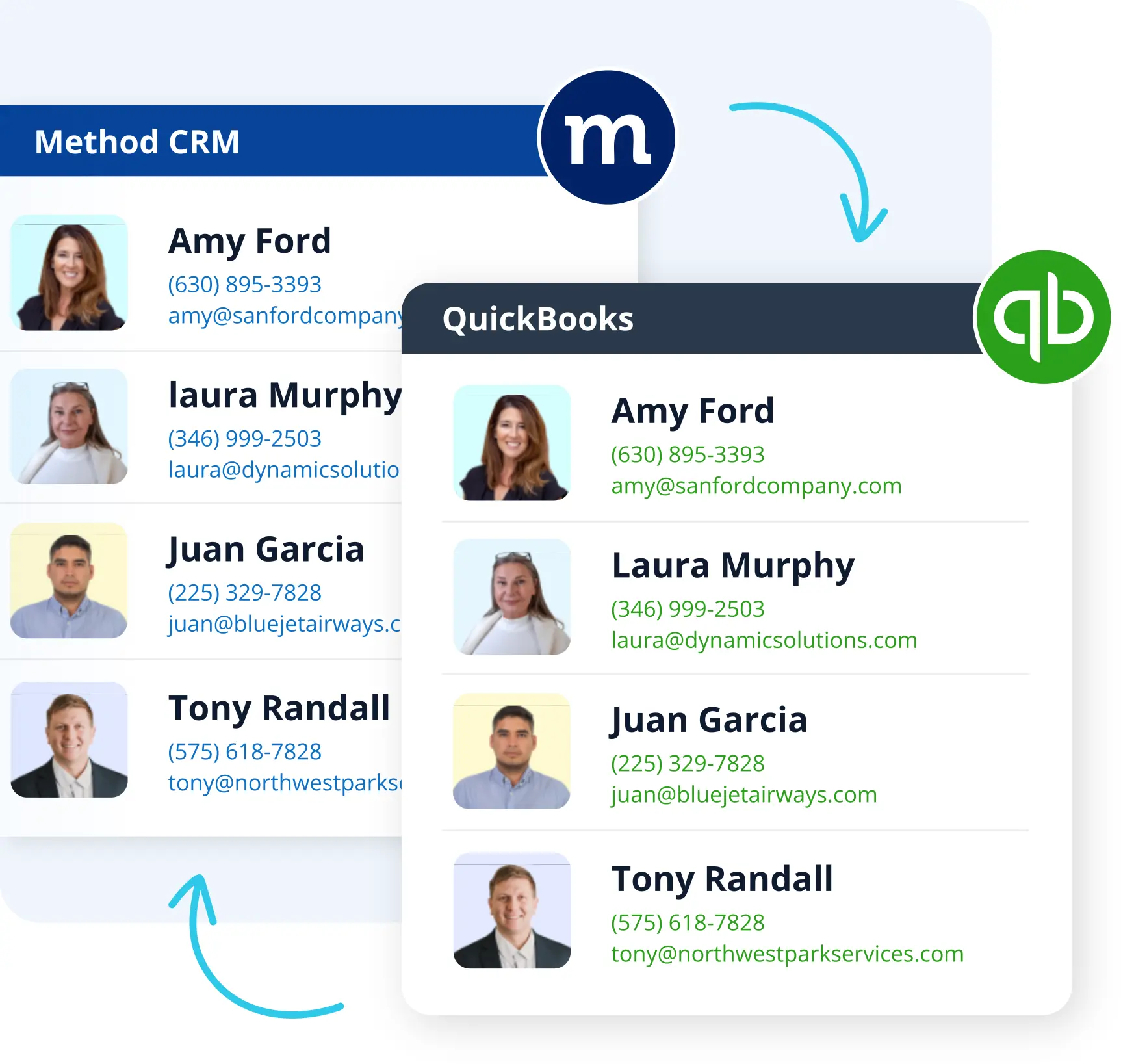
Method’s two-way, real-time sync of customer information lets your small business develop stronger customer relationships.
With purchases, preferences, and interactions all in one place, a QuickBooks and CRM combination give you all the context you need to provide amazing customer service.
Portals
Offer online portals
Utilize Method to grow your business by upping your customer service and automation game.
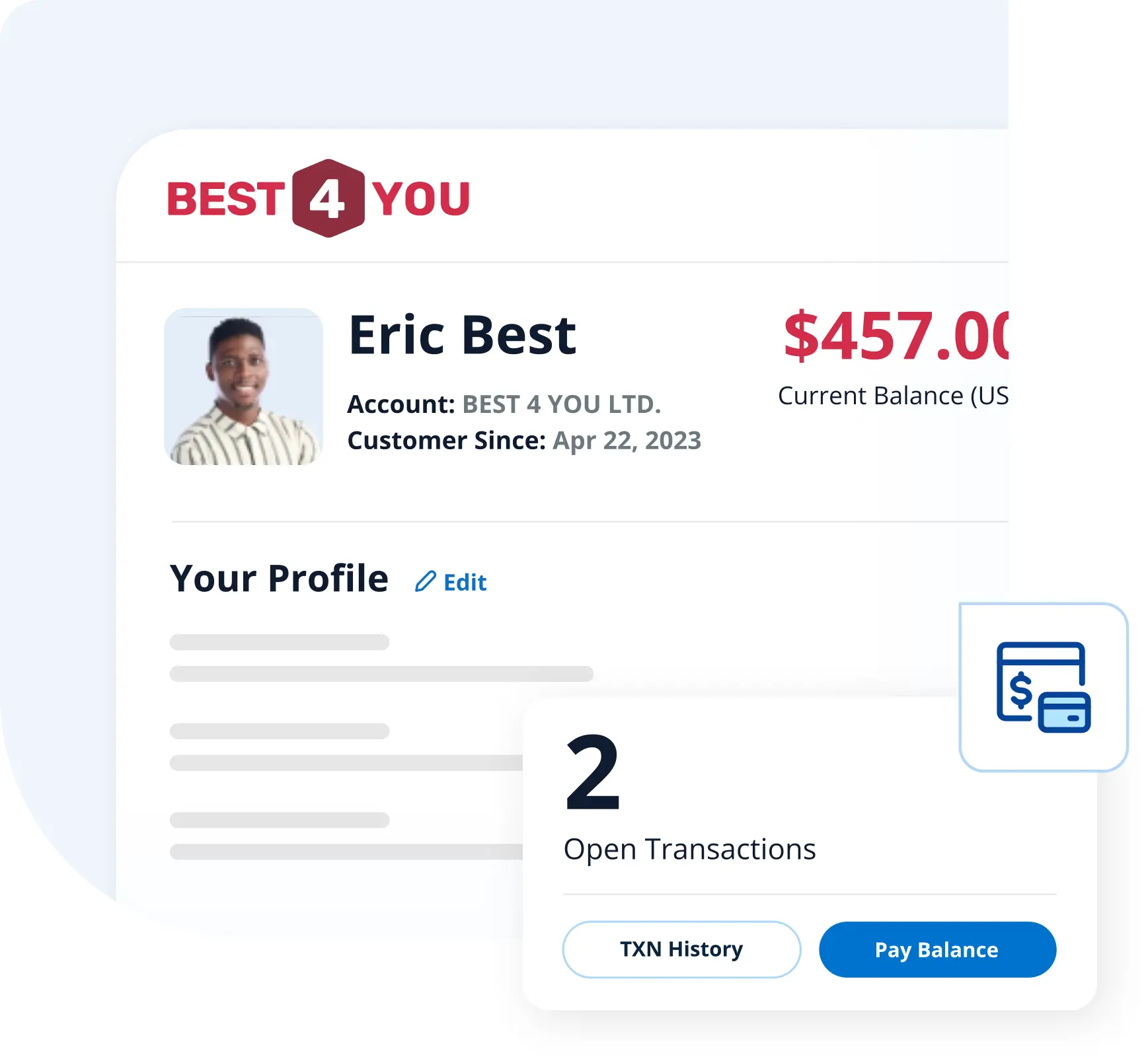
Give your customers 24/7 access to update information, view estimates, and pay invoices. Better yet, all details and payments sync instantly to QuickBooks.
custom crm
Do more business in less time
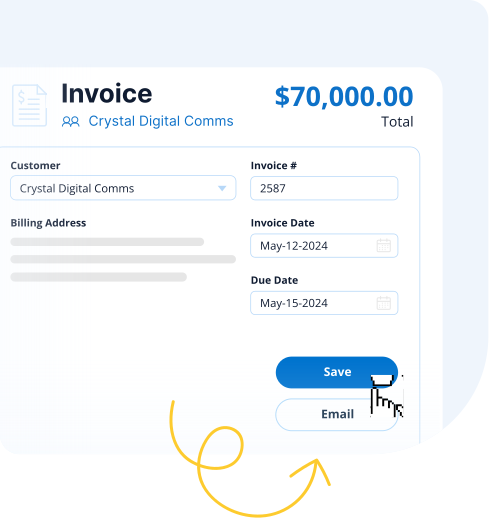
Create estimates, sales orders, invoices, templates, and more without logging into QuickBooks.
You can personalize Method to simplify other tasks such as e-signature capture, approvals, or sales commission tracking.
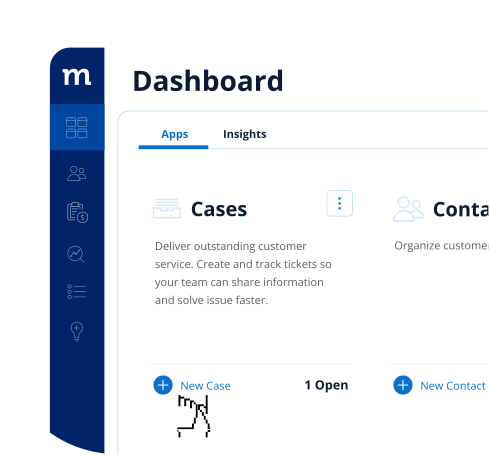
Solve problems effectively with case management
Sick of scattered notes and endless email threads? Method provides a centralized hub for you to keep track of all your customer support tasks.
Just create a case and link all relevant details to get a comprehensive view of every issue. Your whole team can access case information in real time, so no more “I didn’t get the memo” moments.
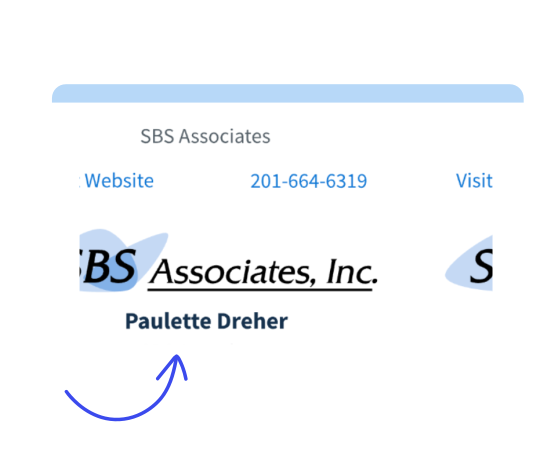
Here’s the best part: your customers can report issues directly through our customer portals and track their case status themselves, meaning less back-and-forth and quicker resolutions.
Not a QuickBooks user?
Sick of scattered notes and endless email threads? Method provides a centralized hub for you to keep track of all your customer support tasks.
Just create a case and link all relevant details to get a comprehensive view of every issue. Your whole team can access case information in real time, so no more “I didn’t get the memo” moments.
Here’s the best part: your customers can report issues directly through our customer portals and track their case status themselves, meaning less back-and-forth and quicker resolutions.

How to get a QuickBooks integration with CRM using Method
Ready to get your QuickBooks CRM integration up and running? All you need to do is try Method for free and securely sync your data at the click of a button. It only takes a few seconds!
Method differs from traditional CRM software in its core functionalities. When you compare it to other CRM solutions, you can differentiate Method by its:
- Scalability with your business.
- Real-time, automated synchronization with QuickBooks.
- Tools to generate and organize advanced reports.
- Limitless workflow customization with help from a dedicated team of experts.

Simplify your business with Method
Start your free trial — no credit card, no contract.
FAQs
QuickBooks CRM
QuickBooks is not a dedicated CRM. While QuickBooks Online includes basic customer management features, they are designed to support accounting workflows rather than provide comprehensive sales or customer relationship management.
Method extends QuickBooks with a fully customizable CRM that connects your customer-facing teams to the financial information in QuickBooks. Its real-time, two-way sync keeps customer records, estimates, invoices, and payments aligned across both platforms, reducing duplicate entry while allowing QuickBooks to remain your financial system of record.
QuickBooks is not an ERP. However, when you pair it with Method, a flexible CRM platform, it becomes a strong ERP alternative.
This combination enhances QuickBooks with workflows for
- CRM operations.
- Financial management and budgeting.
- Project management.
- Custom workflows.
Overall, it lets you run your business smoother, without the big ERP price tag.
QuickBooks manages your accounting data, while a CRM manages the sales, service, and operational work surrounding your customers. Connecting the two gives your teams access to the information they need without requiring everyone to work directly in QuickBooks.
Method adds customizable pipelines, workflows, automations, permissions, estimates, approvals, job management, scheduling, and customer portals while keeping supported customer and transaction data synced with QuickBooks. This reduces duplicate entry and helps sales, service, operations, and accounting work from consistent information.
By using a CRM with QuickBooks, companies get a single source of truth for every aspect of their business while also:
- Eliminating the need for double data entry.
- Tracking customer interactions and transactions.
- Automating chat responses and emails.
- Saving time and effort dedicated to admin tasks.
- Facilitating collaboration between office and field teams.
- Informing business decisions through advanced reporting and forecasting.
The best CRM with QuickBooks offers a thorough understanding of your operations to give you control over your business. The best part? You can focus on more important things like growth.
A CRM that integrates with QuickBooks uses accounting software integrations to store and centralize your customer data. This increases visibility into customer records for everyone in the many teams across your company.
With a CRM QuickBooks users can integrate with, sales teams are empowered with the information needed to close deals such as an overview of the pipeline, activities, and customer accounts. On the other end, a customer support team can access communication history with and associate more effectively with clients to improve the quality and experience of the services you’re providing.
Most CRMs bill users on a monthly or annual subscription basis. This is true for QuickBooks CRM software too. Take Method, the best CRM for QuickBooks users, for example. Method CRM starts at $27 monthly per user.
Depending on where you are in the world, you may have to factor in currency exchange fees to determine the pricing of your QuickBooks CRM. The majority of CRM vendors operate out of the United States.
Options such as Copper, Freshsales, and Zoho CRM offer various plans at similar price points but none have as deep of an integration with QuickBooks as Method CRM.
Your best bet is to start a free trial (most don’t require a credit card) to get a feel for the software before incurring any costs.
The level of difficulty varies greatly from one CRM platform to another. When it comes to a CRM for QuickBooks, most are easy to use. The best CRM for QuickBooks depends on the strength of the integration between your various operational tools. Your best bet is Method CRM for a powerful, yet user-friendly QuickBooks CRM.
Another example is Salesforce. While popular for its enterprise and project management features, customization is nearly impossible without an expert to implement the solution. The QuickBooks Salesforce integration is also limited.
Another example is HubSpot, which despite having a user-friendly interface, can quickly rack up expenses if you need a feature that’s not included in their cheaper plans. HubSpot’s integration with QuickBooks is also underwhelming.
For these reasons, it’s important to look for CRMs that are tightly coupled with QuickBooks.
A CRM that integrates with QuickBooks is ideal for small businesses that use the accounting software and want a reliable way to keep track of customer relationships.
If you’re starting out with a modest amount of vendors and customers to juggle, options like Method CRM, Nutshell, or Insightly save time and money while increasing your efficiency.
If you’re looking for a CRM that integrates with QuickBooks at no extra charge, you have a few options — but Method is specifically designed with QuickBooks users in mind. It’s a comprehensive solution that syncs in real time and empowers you with tools that go beyond your accounting software.
Method CRM is the best choice for QuickBooks users because of its seamless, real-time sync that eliminates data entry and reduces errors. Method expands the limits of QuickBooks while providing robust automation tools tailored to your business.
Method is highly flexible and customizable to give you a system that adapts to your workflows. Its customization options are limitless: just work with our dedicated team of Business Solution Specialists to create custom workflows, fields, and screens that perfectly suit your business.
No, there are no additional fees for Method’s QuickBooks sync. The QuickBooks integration and customization engine are at the core of Method’s functionality and are included in your standard monthly subscription. You can also mix subscription levels so that you only pay for the functions you need.
Yes, Method employs robust security measures including AES256 encryption, TLS encryption for data in transit, password-protected logins, and firewall-protected servers to ensure your QuickBooks data remains secure within its ecosystem.
MOre Quickbooks CRM resources
Insights from the Method CRM resource hub:

QuickBooks CRM integration: How to make the right choice
Learn the value of a QuickBooks CRM integration and learn the top QuickBooks CRMs on the market. Better yet, get a checklist to kickstart your evaluation.
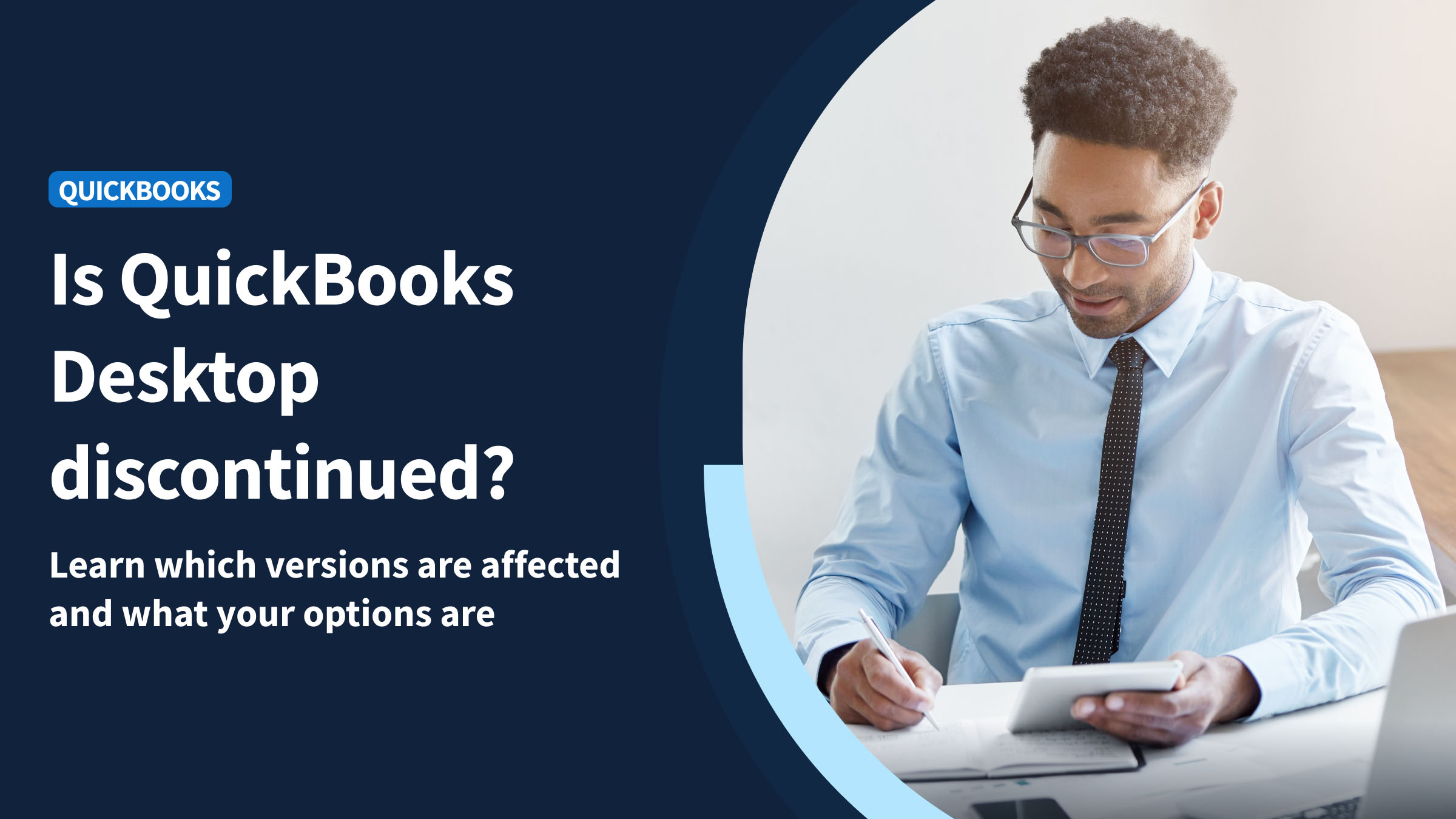
QuickBooks Desktop discontinued: Next steps for Desktop users (2026)
Is QuickBooks Desktop discontinued? Find out everything you need to know about the future of QuickBooks Desktop in this blog.

Do you need a CRM if you have QuickBooks Customer Hub?
QuickBooks Customer Hub covers starter CRM needs. Learn when it is enough and when growing teams need customizable workflows connected to QuickBooks.